What Happens When You Lose Everything?
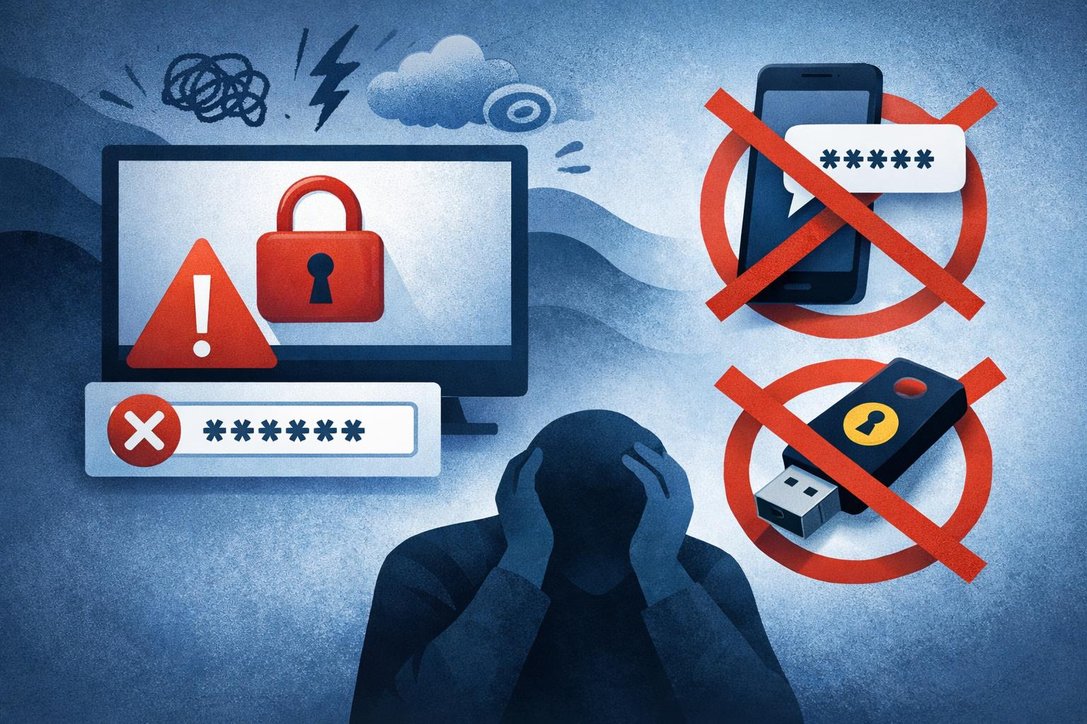
Picture this: your phone gets stolen, and with it goes your authenticator app, your passkeys, and your primary authentication method. You try to log in to your work account, but you’re completely locked out. Traditional Self-Service Password Reset (SSPR) won’t help because it requires at least one working authentication method. Until recently, your only option was calling the helpdesk and somehow convincing them you are who you say you are. Microsoft Entra Account Recovery changes this entire scenario. It’s a new capability that lets users regain access to their organizational accounts when they lose all registered authentication methods. Unlike SSPR, which assumes you still have at least one method available, Account Recovery treats your situation as a complete lockout and rebuilds trust in your identity from the ground up.
Account Recovery vs. Password Reset: Know the Difference
Many users confuse Account Recovery with Self-Service Password Reset, but they solve different problems.
Self-Service Password Reset (SSPR)
Use this when you forget your password but still have access to at least one authentication method like your phone, email, or security questions. SSPR lets you quickly reset your password using the methods you already have registered.
Account Recovery
Use this when you’ve lost all your authentication methods simultaneously. Your phone is gone, your backup codes are inaccessible, and you can’t use any registered method. Account Recovery doesn’t just reset your password—it re-establishes trust in your entire identity through comprehensive verification using government-issued ID and biometric checks.
When Should You Use Account Recovery?
Account Recovery is designed for three critical scenarios where traditional methods fail. Device loss or theft represents the most common situation—when you lose the phone or security key containing your authenticator app, passkey, or other authentication methods . Complete authentication lockout occurs when all your registered methods become unavailable simultaneously, leaving you with no way to verify your identity . Account compromise response becomes necessary during security incidents that require a complete authentication method reset as part of incident response procedures. Microsoft reports that up to 50% of helpdesk volume comes from account lockouts, making automated recovery both a security and efficiency improvement.
| Scenario | Problem | Account Recovery Solution |
|---|---|---|
| Device Loss or Theft | Lost phone with authenticator app, passkey, or security key. No access to authentication methods. | Self-service identity verification through biometrics and government ID, restoring access without helpdesk intervention. |
| Complete Authentication Lockout | All registered methods unavailable simultaneously. Locked out with no backup options. | Automated recovery workflow guides through secure identity re-establishment with trusted verification. |
| Account Compromise Response | Security incident requires complete authentication reset. All existing methods potentially compromised. | Incident response procedure enables complete method reset, with verified identity foundation. |
| Helpdesk Volume Reduction | Traditional approach: 50% of helpdesk tickets from account lockouts. High support costs and delays. | Automated self-service recovery reduces helpdesk dependency, improves efficiency, maintains security standards. |
How Account Recovery Actually Works
Account Recovery shifts from what you know and what you have to who you are through comprehensive identity verification. The process uses government-issued identification and biometric verification through certified third-party identity verification providers. Here’s what makes it secure: Microsoft Entra Verified ID and Face Check work alongside trusted identity verification providers available through the Microsoft Security Store. Administrators create identity verification profiles that define recovery behavior per user population, including which provider performs verification, what recovery mode applies, and how account validation works. This eliminates the primary vulnerability of traditional helpdesk recovery—social engineering attacks where bad actors manipulate support staff into illegitimately granting access.
Authentication Method Evolution
| Authentication Method | Key Characteristic | Security Level |
|---|---|---|
| Traditional Security Questions | Knowledge-based verification | Vulnerable to social engineering |
| Password + One Factor | Requires device access | Moderate – device dependent |
| Multi-Factor Authentication | Requires multiple verification methods | Strong – layered security |
| Identity Verification | Government ID and biometrics | Highest – identity-based trust |
This evolution represents a fundamental shift in security architecture: moving from credentials that can be compromised through social engineering to biometric identity verification that establishes trust through government-issued documentation and live biometric checks. The identity verification approach addresses the core weakness of traditional helpdesk recovery processes where attackers manipulate support personnel into granting unauthorized access.
The Identity Verification Process Step-by-Step
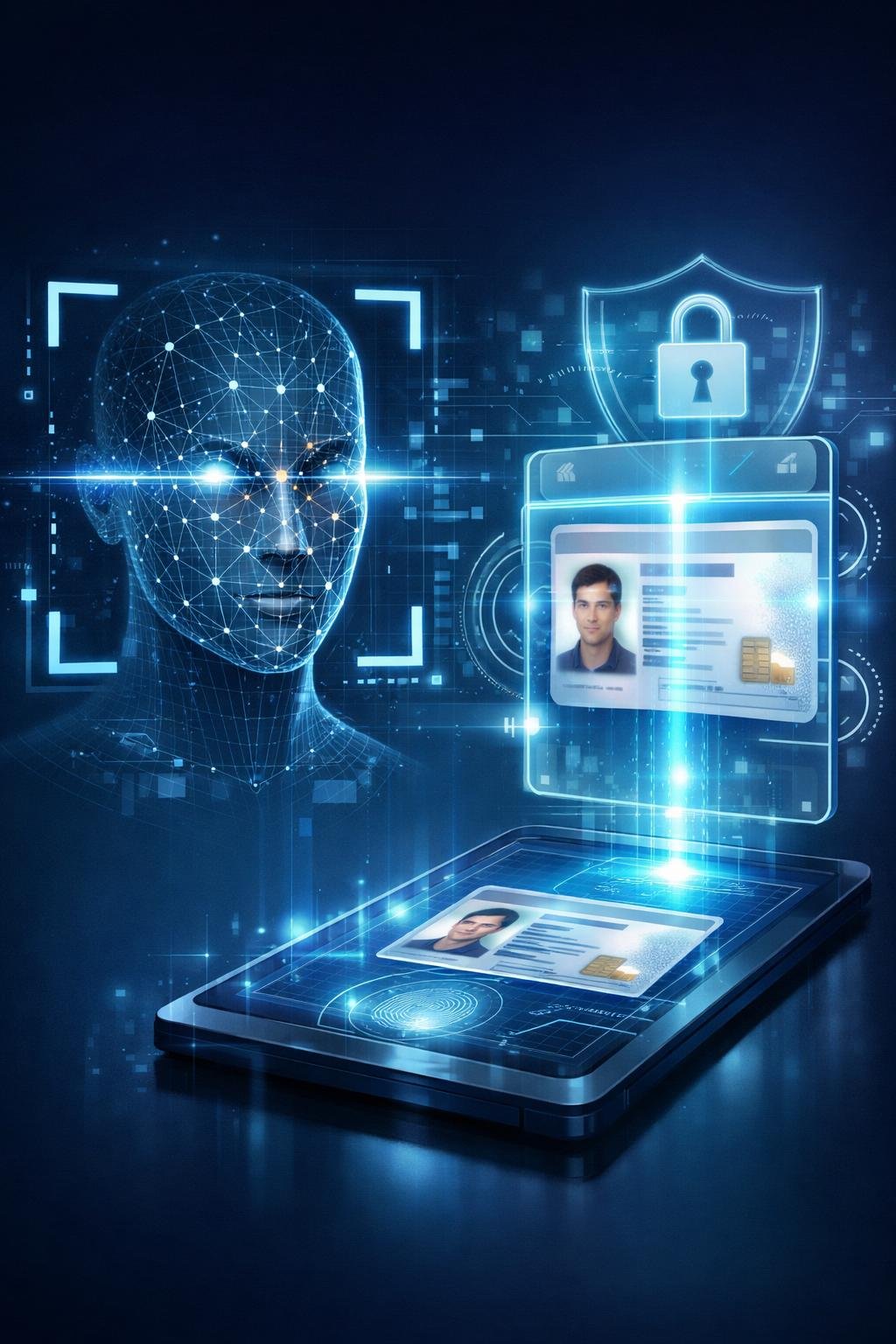
When you initiate Account Recovery, you’re guided through a secure identity verification process. First, the system connects you with a certified third-party identity verification provider. You’ll scan your government-issued ID—such as a passport or driver’s license—using your device camera. The provider performs document verification to ensure your ID is legitimate and hasn’t been tampered with. Next comes the biometric liveness check using Face Check technology to confirm you’re a real person, not a photo or video. The verification provider then issues you a Verified ID credential, which contains your verified identity attributes . Finally, Microsoft Entra validates this credential’s authenticity and checks that identity attributes like your first and last name match your directory record—all without exposing sensitive personal information. Once verification succeeds, you can register new authentication methods and regain full account access.
Built for the Passwordless Era
“Account Recovery brings SSPR-like functionality to the passwordless world. Your helpdesk will thank you for fewer device loss tickets. Social engineering attacks on account recovery are eliminated. It’s the missing piece for true passwordless adoption”.
As organizations transition to passkeys and passwordless authentication, recovering accounts becomes paradoxically harder. When users could simply reset their password using a second authentication method through SSPR, recovery was straightforward. With passkeys as the sole authentication method, users who lose their device face a dead end without Account Recovery.
The traditional helpdesk verification process—convincing someone over the phone that you are who you say you are—is both slow and vulnerable to social engineering. Account Recovery solves this fundamental challenge by using external Identity Verification Providers (IDVs), Verified ID, and Face Check to verify user identity and reset accounts automatically.
Fore more information please see: https://learn.microsoft.com/en-gb/entra/identity/authentication/concept-account-recovery-overview